Find their favourite cue
A scurrying mouse, a fluttering feather, a bouncing ball. Explore 20 animated cues and see what sparks their curiosity.
 PawSnap
FOR YOU & YOUR FAVOURITE LITTLE FACE
They bring the personality.
We help catch their attention.
Playful animations and optional gentle sounds near the camera lens. A little curiosity, a quick snap, and a moment that’s yours to keep.
Download on Google PlayMade for Android. Coming to Google Play.
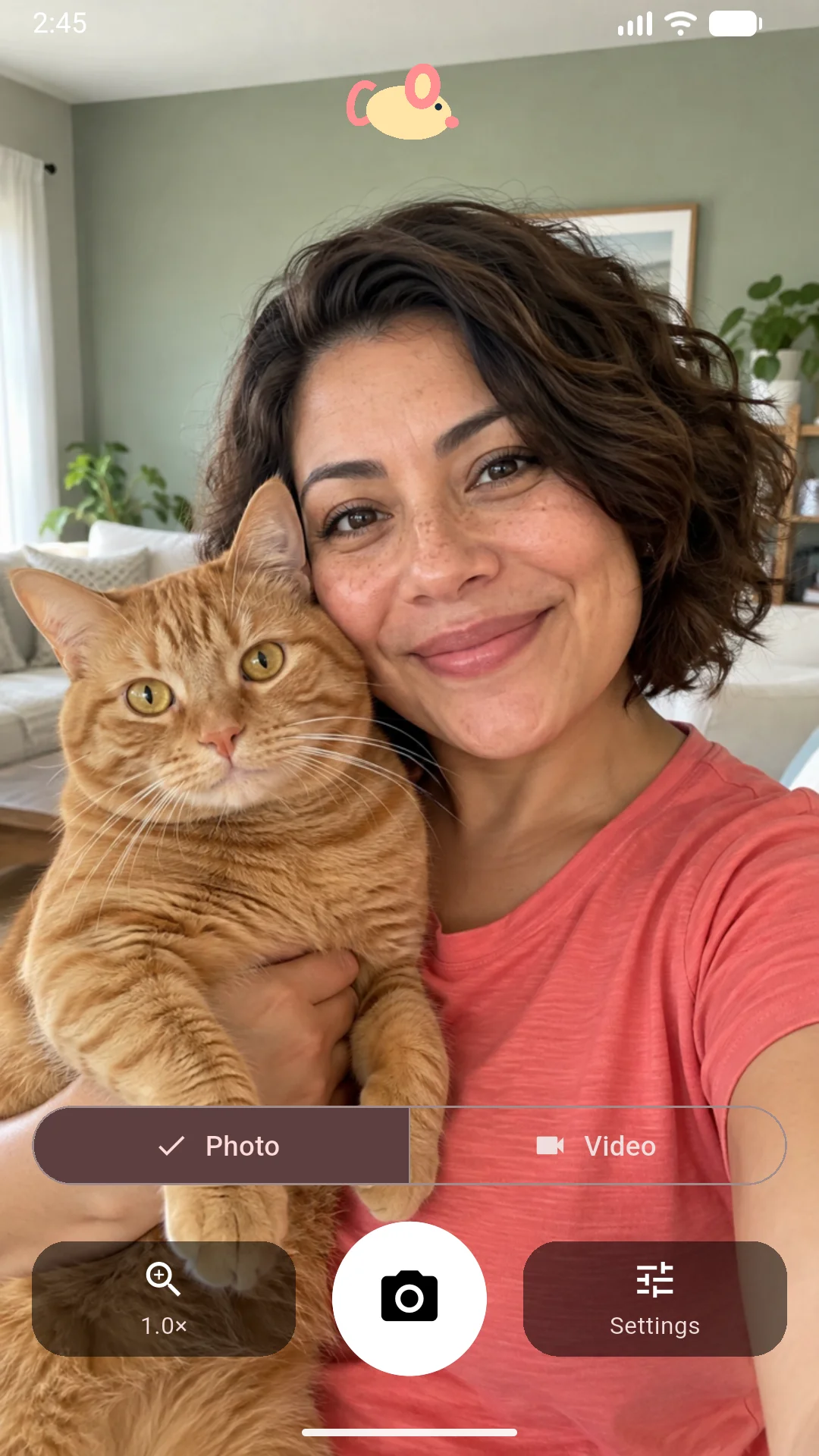
Cats with opinions. Dogs with wiggles. Moments worth keeping.
LESS “LOOK AT THE CAMERA.” MORE TOGETHER.
A scurrying mouse, a fluttering feather, a bouncing ball. Explore 20 animated cues and see what sparks their curiosity.
Position the cue near your camera. Add a gentle sound if you like—sound starts muted. Keep it short, relaxed, and pet-led.
Take a photo or video, save your favourite, and share through your installed social or messaging apps. Invite another pet parent along.
SMALL DETAILS. HAPPIER MOMENTS.
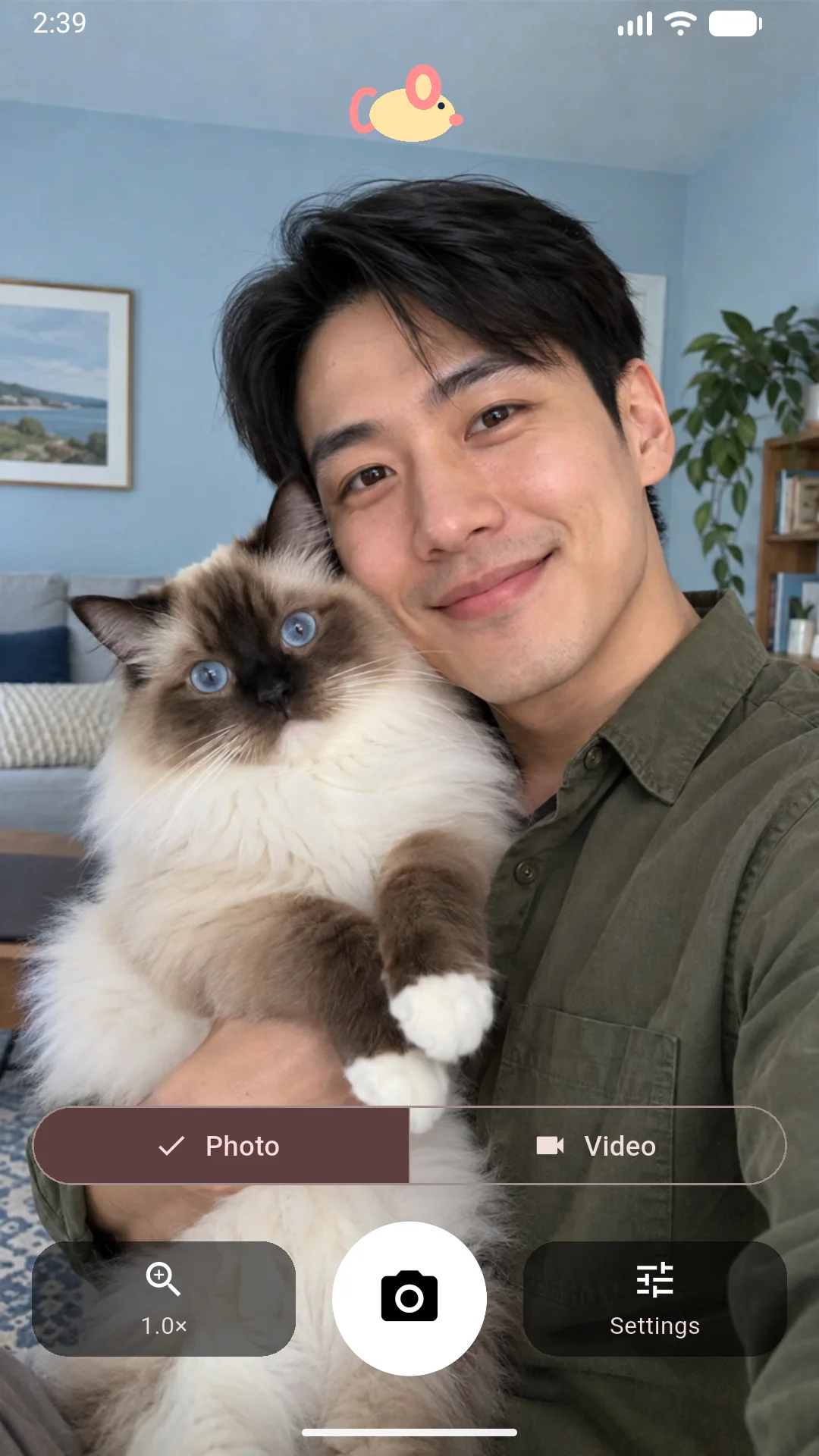
Choose its position near the lens so your pet’s curiosity points in the right direction.
Optional sounds and a reduced-motion setting. Pause whenever your pet needs a break.
Photos, videos, zoom, optional owner-smile capture, and a layout that adapts to foldable screens.
Captures and smile detection stay on your device. You choose what to save and share.
A FEW THINGS TO KNOW
No cue works for every pet. Try different animations, keep sessions short, and let your pet decide when they’ve had enough. Never force them to engage or increase sound to get a reaction.
No. PawSnap helps attract attention while you use the camera. It does not generate selfies, beautify faces, or enhance your pictures. The people-and-pet photos shown on this site are AI-generated illustrations inside actual app captures.
Photos are watermark-free for the first 72 hours after installation. After that, snapshots include a PawSnap watermark. Watermark-removal purchases are not available in the current version.
No PawSnap account is needed. PawSnap does not upload your photos or videos to its servers. When you share to another app, that service’s privacy practices apply. Read our privacy policy for more details.
PawSnap is currently preparing for its Google Play launch. The public store listing may not be available yet. For launch questions or support, email pawsnap@gadgetium.com.
Coming to Google Play for Android.
Download on Google PlayDownloads become available when PawSnap’s public release is live in your region. Contact us for launch updates.